AI & Workflow Automation
We map business pipelines and deploy automatic integrations (Power Automate, scripting) that sync data across software platforms without manual typing.
Understanding the bottleneck
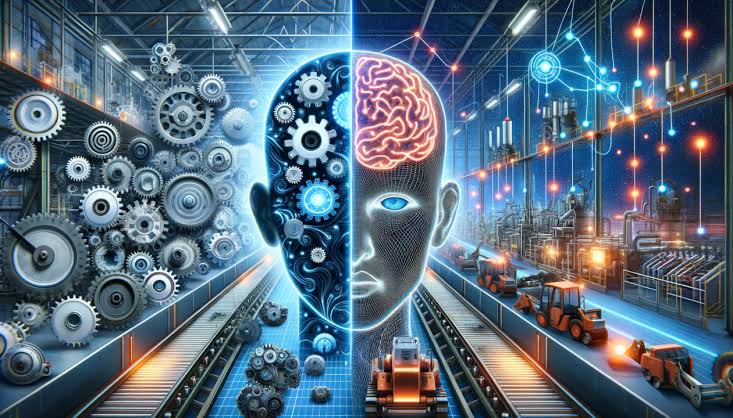
Relying on manual labor to transfer customer contact details, invoice parameters, or shipping numbers between CRMs, email clients, sheets, and accounting platforms creates constant data entry errors, bottlenecks customer onboarding, and exhausts operations teams.
Engineering the system
We map your operational workflows and construct automated webhook sync pipelines using Microsoft Power Automate, Make.com, and custom API handlers. We build these integrations for e-commerce stores, real estate agencies, and professional firms. Data passes instantly between platforms in the background, updating customer records and triggering automated emails. We implement fallback queuing and Teams/Slack alerts. This guarantees zero manual data entry errors, running 24/7 so your brand operates with absolute efficiency.
Phased delivery roadmap
Olsamtech works in deliberate stages to ensure code consistency and fast page indexation:
1. Discovery: Technical mapping of business logic and constraints.
2. Strategy: System architecture outlines and keyword mappings.
3. Implementation: Writing clean modular code, styling UI assets, and structuring databases.
4. Optimization & Launch: Auditing Core Web Vitals, technical sitemap indexations, and final production publish.
Frequently Asked Questions
Ready to implement AI & Workflow Automation?
Tell us where you want to go. We'll help shape the right way forward.